AI Editor Starter Pack
“This AI Editor has saved me 30+ Hours of Editing and Made Me Over 200k+”
GP's personal experience. Your results will depend on your footage, tools and review process.
Use the styles, prompts and guides behind my workflow to spend less time on repetitive editing—and more time on the work that matters to you.
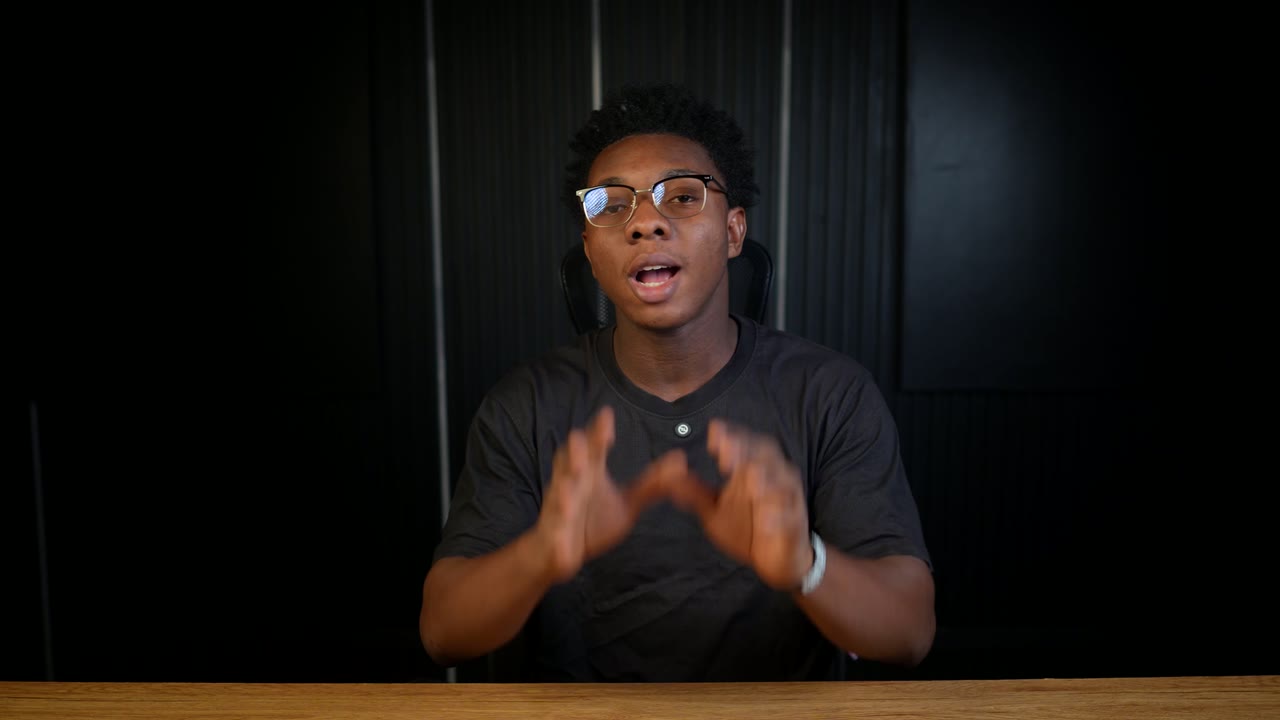
Inside my AI editing workflow
Watch the film ↗
Bring the workflow to your AI setup.
Use the setup guide for your platform, then check that it can access your footage and run the required editing tools.
Buying and watching on mobile is supported. Editing and exporting depend on your setup.
- ChatGPT
- Codex
- Claude
Different styles.
One place to start.
Choose a direction for your video, then adapt it to the message, the audience and your own taste.
Dimensional Motion
Ideas with depth
Layered graphics, perspective and purposeful camera movement make ideas easier to follow.
Devin Jatho
Explain the mechanism
Presenter-led edits that build curiosity, show cause and effect, and lead to a clear payoff.
Executive Glass
Polished visual systems
Glass-inspired panels, evolving ledgers and focused typography for structured explanations.
Editorial Motion
Graphics that explain
Kinetic text, visual comparisons and purposeful reframing that follow the speaker's point.
Crimson Explainer
Bold editorial clarity
Strong condensed typography, selective serif emphasis and evolving diagrams on clean editorial stages.
Text Centric V2
Build the emphasis
Compact word-by-word emphasis stacks, clean reading stages and selective cinematic inserts.
Your starting point
is already put together.
The AI Editor Starter Pack brings the files and guidance into one practical workflow.
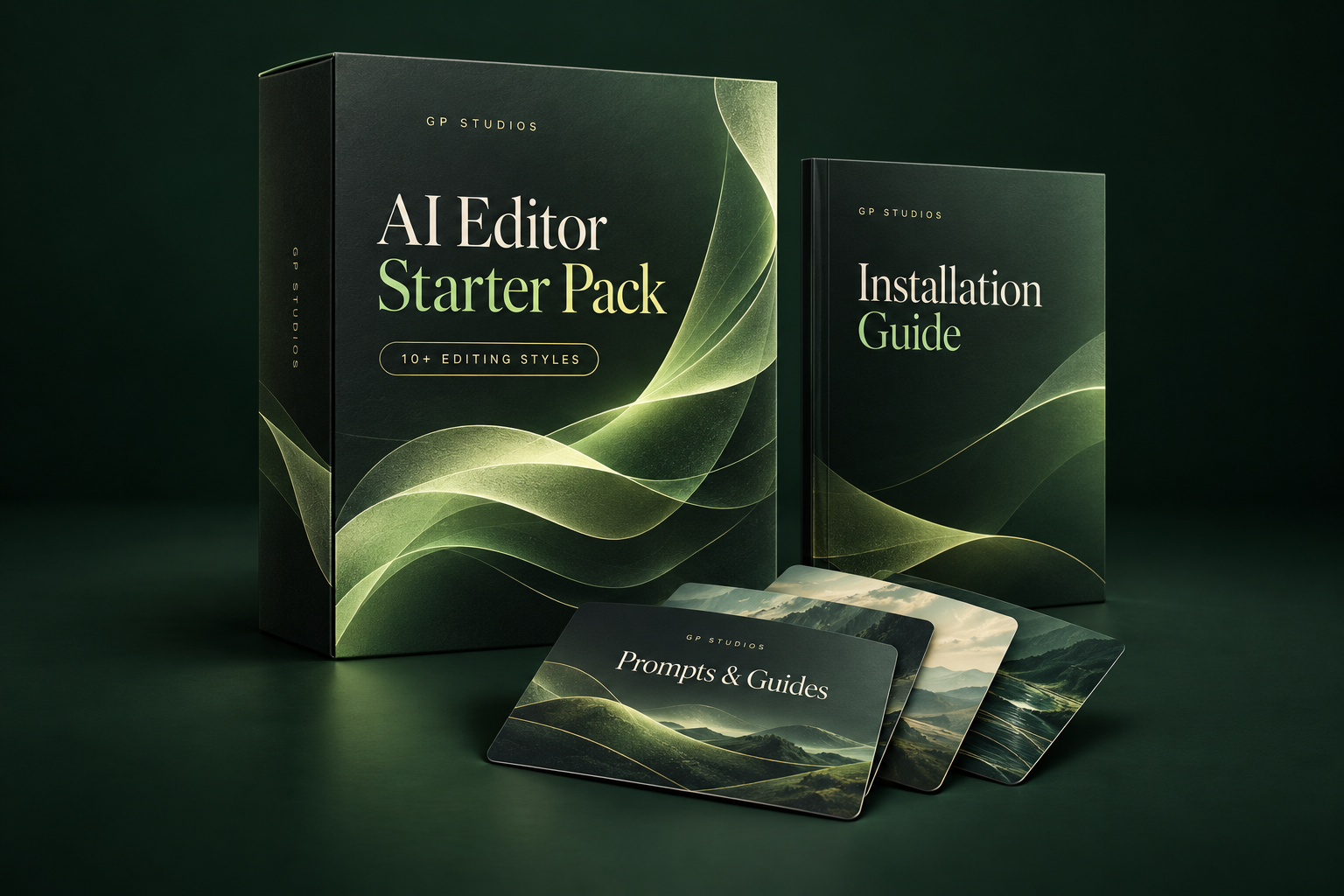
Release details will be shown when the final pack is ready.
- Editing styles
- Reusable instructions to give your next edit a clear direction.
- Setup and installation
- The files and steps for getting started in a supported environment.
- Prompts and guides
- Help with briefing the AI, reviewing the result and requesting useful corrections.
- Video lessonsIn preparation.
- A walkthrough of the setup and workflow.
Give the AI direction.
Keep the creative decisions.
- 1
Set up your workspace.
Download the pack and follow the guide for your supported platform.
- 2
Choose a style and brief the edit.
Provide your footage and explain what the video needs to communicate.
- 3
Review, correct and finish.
Check the pacing, words, visuals and sound. Refine the result before you publish.
More room for the work that matters.
For editors
Let AI help with repetitive tasks while you improve your storytelling, polish client work and make time for your portfolio and client conversations.
For business owners
Take a more active role in your content workflow, reduce avoidable back-and-forth and leave more time for the rest of your business.
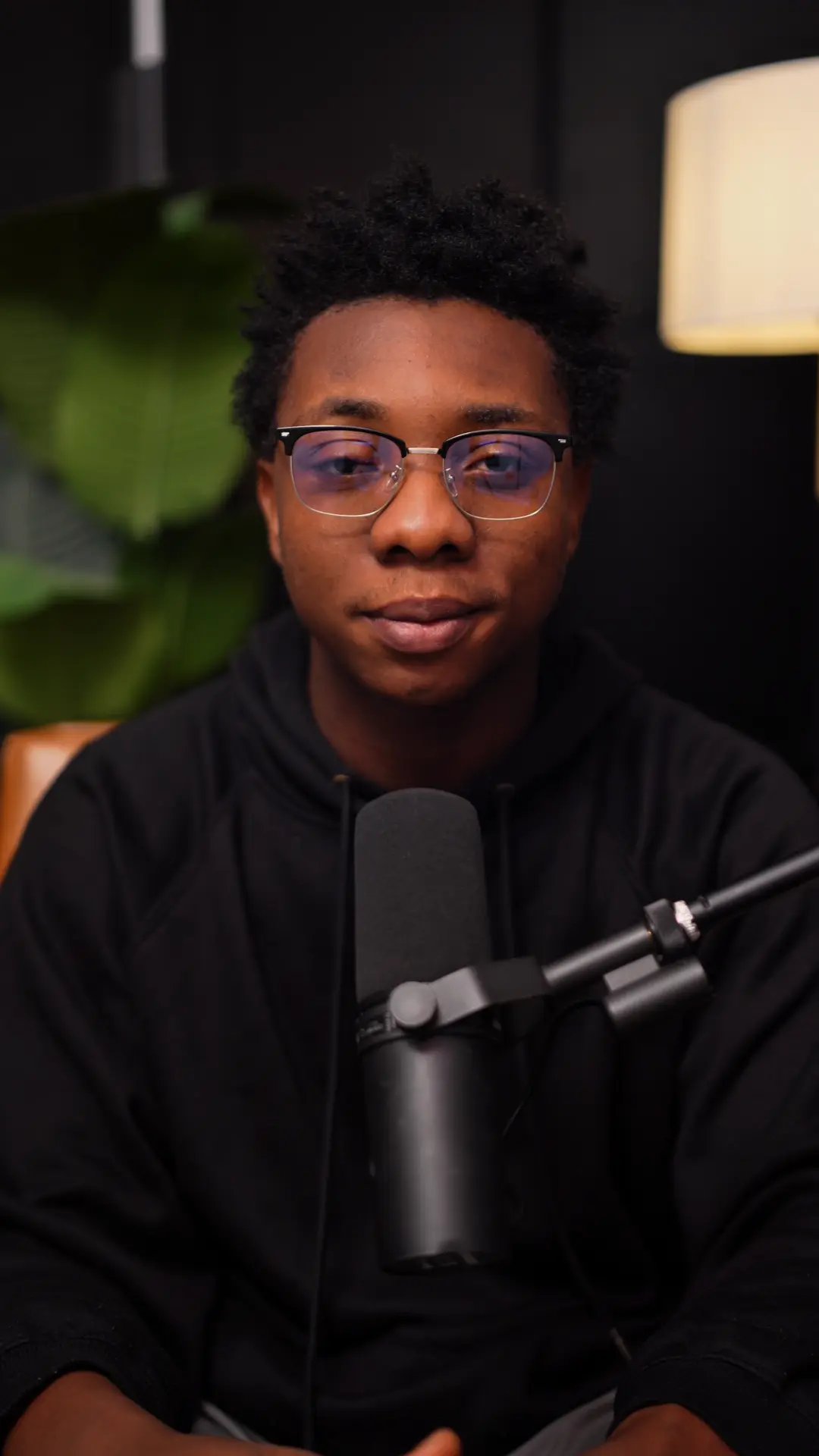
Built from my own editing workflow.
I'm GP, the creator behind GP Studios. I've been editing videos for clients for close to two years and have earned over $2,000 online. After spending more than 100 hours working with ChatGPT, I brought the styles, prompts and setup steps I use into a more repeatable workflow.
I created this pack to help editors get more work done while continuing to improve their craft—and to help business owners take more control of their content without starting every edit from scratch.
@purposeosakedeFAQs
What exactly am I buying?
A digital workflow pack with editing styles, installation resources, guides and prompts. Check the contents section for the current availability of video lessons.
Is this a video editing app?
No. The pack provides resources and instructions for working with a compatible AI editing setup. This website lets you see examples, buy the pack and access your materials.
Do I need a paid AI plan?
Yes. The supported workflow requires a suitable paid Claude or ChatGPT/Codex plan. That subscription is separate from this purchase. You also need the media access and editing tools described in your setup guide.
Can I use it on my phone?
You can buy the pack, watch lessons and recover your access on your phone. Editing and exporting may need a supported computer or execution environment. A normal mobile chat is not a guaranteed video editor.
Will AI do everything for me?
You still provide the brief and footage, check the output and make or request corrections. Use the saved effort to improve the final video.
Is the pack different for editors and business owners?
No. Both routes purchase the same pack for ₦27,000. The welcome video and optional next steps are tailored to your role.
How do I receive the pack?
After your payment is verified, you'll see the download button and your welcome page. You'll also receive an email access link so you can return from another device.
Are refunds available?
We don't offer change-of-mind refunds for this digital product. If you cannot access a purchase, receive the wrong files or find a material problem, contact us. This policy does not limit rights or remedies required by law. Read the Refund and Delivery Policy.
Is an editor included?
No. Business owners can separately discuss help finding an editor and negotiating an arrangement. Fees and responsibilities are agreed before that service begins.
Is there an editor community?
Editors can join the optional community for free. The invite link is coming soon. Joining is not required to use the pack, and buying does not automatically enroll you.
Give your next edit a better starting point.
Get the styles, prompts and practical guidance in the AI Editor Starter Pack.